
Receipt reading
Your invoicing software should read the receipt
Most tools still make you retype every line. Drop a photo or PDF. Branch reads the fields, suggests values, and nothing saves until you confirm.
-
Expense receipts
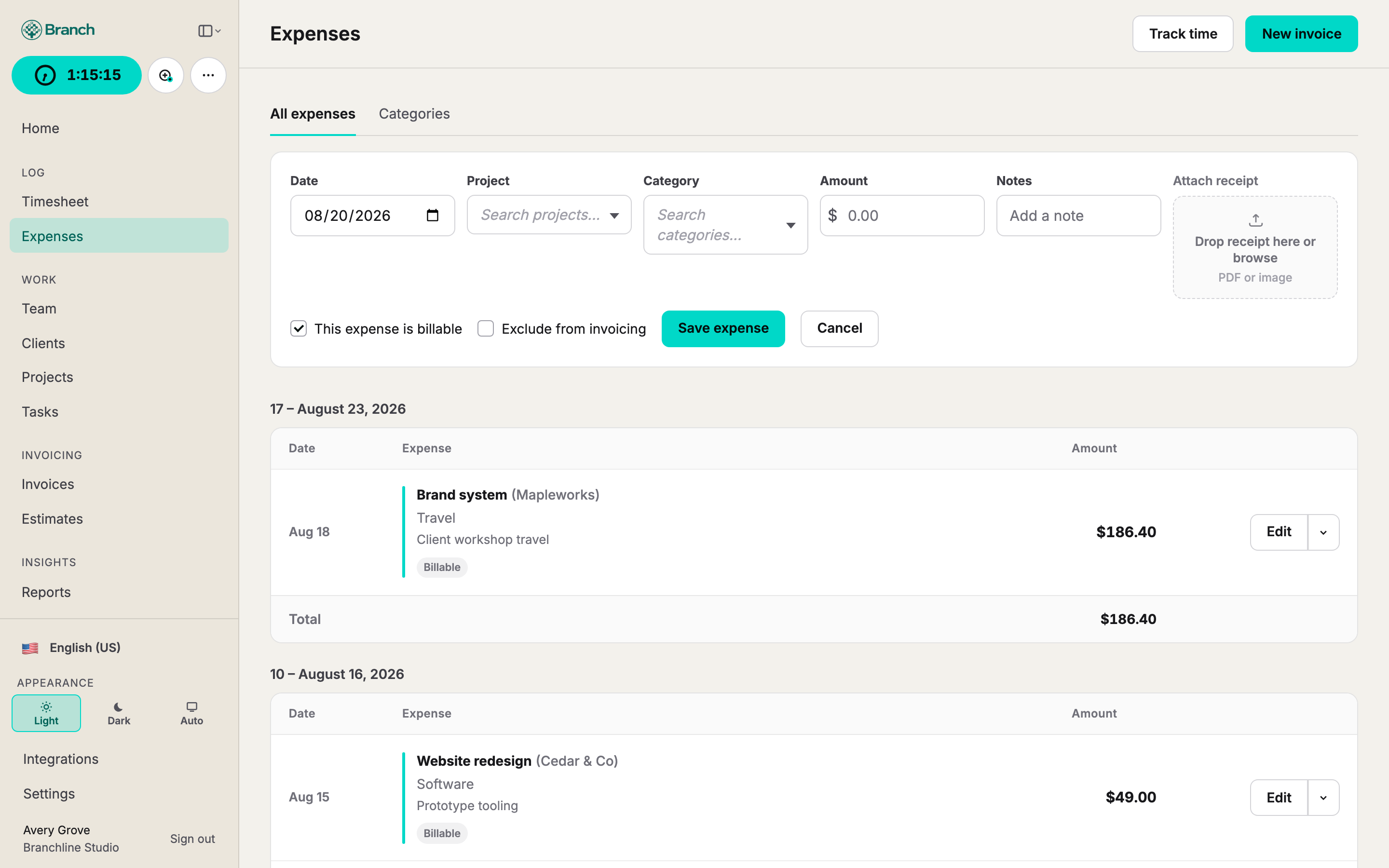
Attach a receipt and Branch fills merchant, date, and total. Review the suggestions, pick an alternative when the scan is unsure, and keep the image with the expense.
-
Purchase orders
Upload a PO and Branch pulls the number, amount, dates, and client. Confirm the reading, then attach the order to invoices and retainers.
-
You stay in control
Nothing saves until you accept the suggestions. Alternate readings are there when a line is ambiguous.
-
Ready for the invoice
Billable expenses land on the same review as tracked time. Purchase orders cap what you can invoice so remaining value stays visible.
-
How it works
-
Drop the document
A photo, scan, or PDF of an expense receipt or purchase order.
-
Branch reads the fields
Merchant, date, total, PO number, amounts, and dates appear as suggestions — before anything is saved.
-
You confirm
Accept a suggestion, pick an alternate reading, or type the value. Nothing posts until you say so.
FAQ
- What does Branch read on a receipt?
- Merchant, date, total, and related fields from a photo or PDF. You review the suggestions and keep the image with the expense.
- What about purchase orders?
- Upload a PO and Branch pulls the number, amount, dates, and client when they are on the document. Confirm, then attach the order to invoices and retainers.
- Does anything save automatically?
- No. Suggestions appear first. Nothing is stored as the expense or purchase order until you accept or edit the reading.
- Is receipt reading extra?
- No. Receipt and purchase-order reading is included with every seat — the same flat rate as time tracking and invoicing.
- What files can I drop?
- Photos, scans, and PDFs of receipts and purchase orders. Clear, well-lit images read more reliably; you can always type a field yourself.
Start tracking. Start invoicing.
Spin up a workspace in minutes. Try Branch free for 15 days.